 DigiCam
CCD M200
DigiCam · Est. 2006
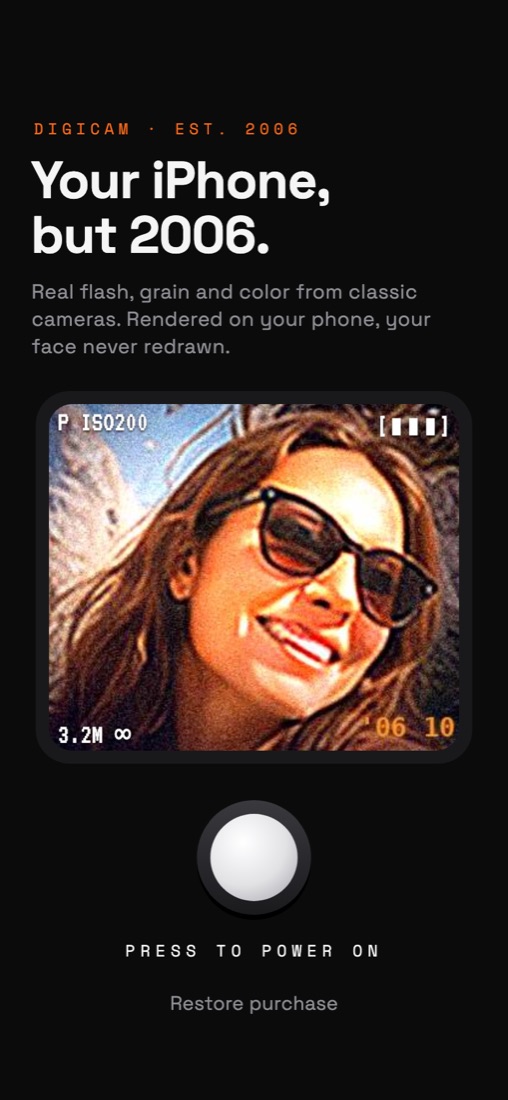
Your iPhone,
but 2006.
Real flash, grain and color from 18 classic cameras. Rendered on your phone, your face never redrawn.
FREE TO START · IPHONE · IOS 16+
iPhone vs. CCD M200
Not a filter.
A flash.
DigiCam finds what's close to the lens and lights it like a tiny on-camera flash: bright skin, hard falloff, a background that drops into the night. Then come the sensor noise, the soft CCD detail and the orange date stamp in the corner.

 IPHONE
CCD M200
IPHONE
CCD M200
The camera bag
18 cameras.
One dial.
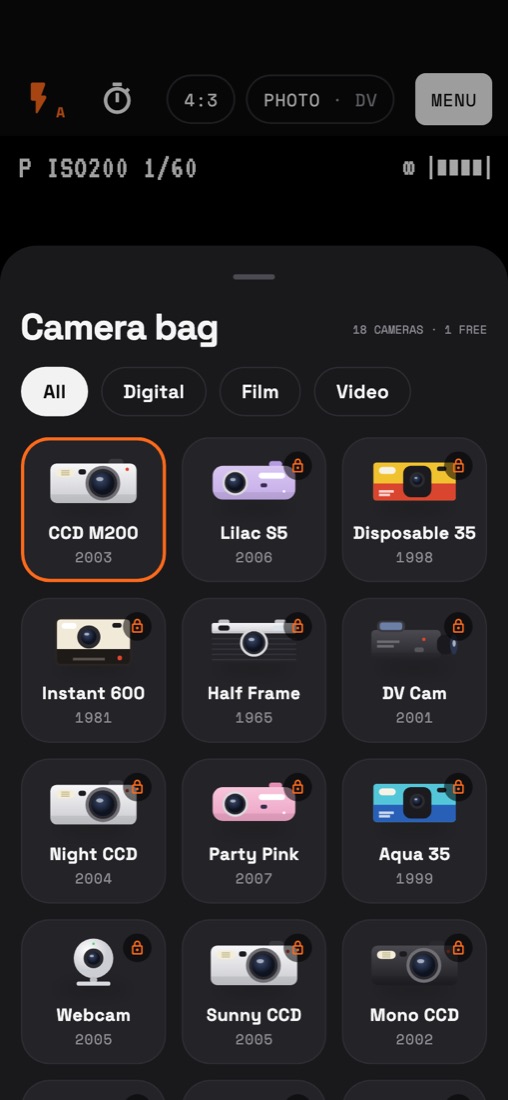
CCD digicams, disposables, half-frame and instant film, camcorders and a 0.3-megapixel webcam. Each one has its own color, flash, grain and lens.
Disposable 35
Instant 600
DV Cam
Everything a 2006 camera did wrong
Done right.
Real flash falloff
Lights the subject, not the whole frame. Harsh, close and honest, like the party pictures you remember.
Grain, leaks, halation
Sensor noise, light leaks, red halation, slow-shutter blur, chromatic aberration and that JPEG crunch.
The date stamp
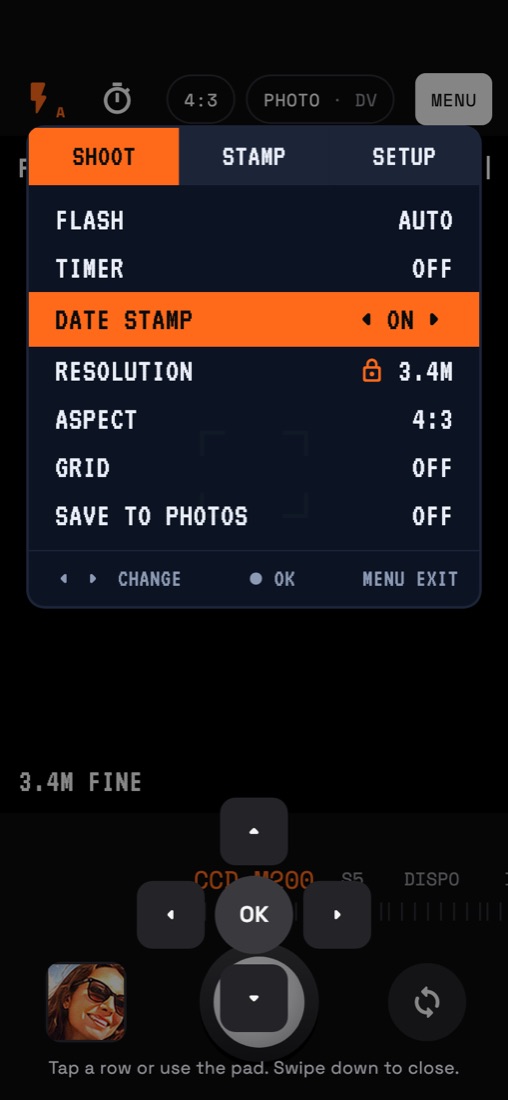
Orange 7-segment digits in any corner. Orange, white or red, today's date or any date you like.
Frames
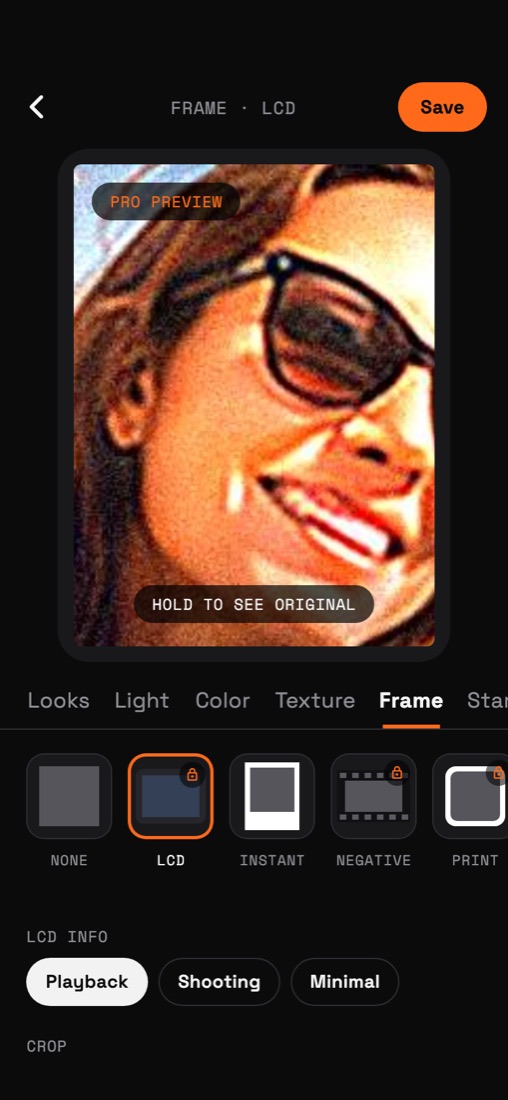
Instant print with a handwritten note, film negative, print border and the LCD playback screen.
Develop old photos
Pick shots from your library and develop them with any camera. Same faces, only light, color and grain change.
Camcorder video
DV and tape-style video with interlacing, soft color and an old camcorder microphone.
Inside the app
Feels like a camera.
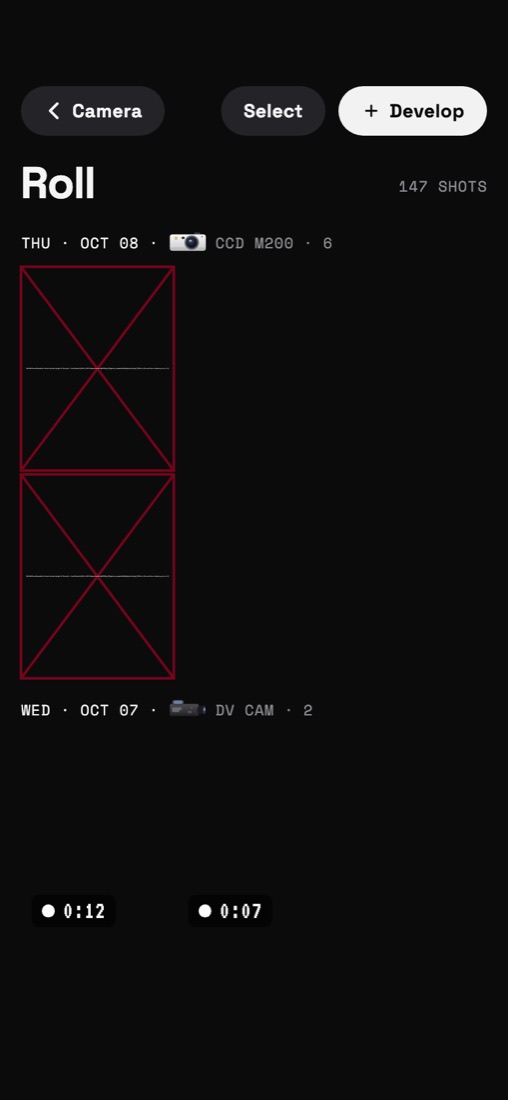
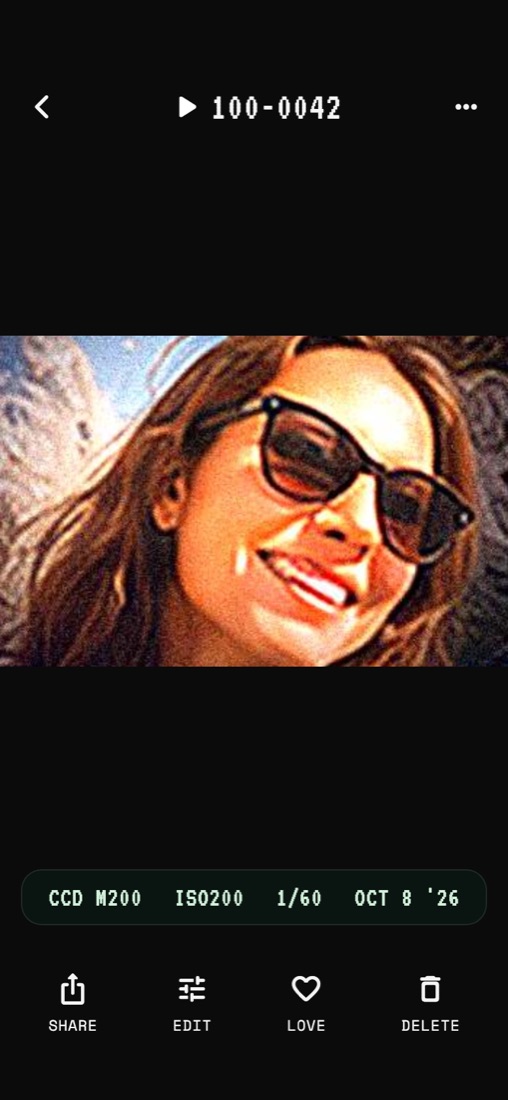
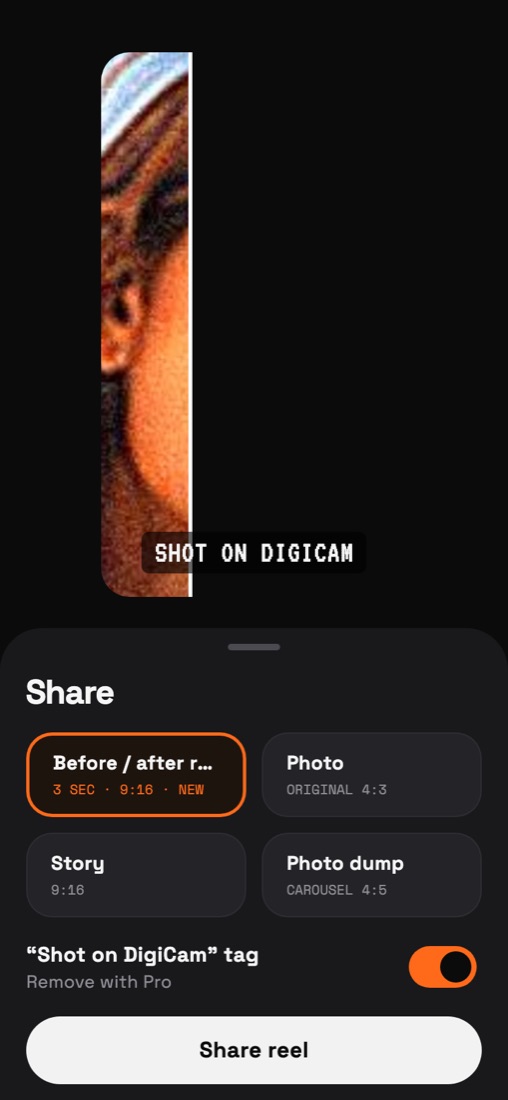
A mode dial for cameras, a navy LCD menu with a D-pad, a roll grouped by day, and a playback screen with file numbers.
Private by design
Your photos never leave your phone.
Every effect runs on your iPhone's GPU. There is no account, no cloud processing and no AI that redraws faces. DigiCam only changes light, color and grain.
Free to start
Shoot free.
Unlock the bag.
Free
Everything you need to start.
- CCD M200 camera
- Flash, grain and date stamp
- 15-second videos
- Develop 3 photos a day
- Small "shot on" tag when sharing
Pro
Weekly or yearly. Yearly starts with a 3-day free trial.
- All 18 cameras
- Every effect and frame
- Videos up to 3 minutes
- Unlimited developing
- No tag
Lifetime
Everything in Pro, one payment.
- No subscription
- All future cameras
- Restore on any of your iPhones
Prices are shown in the app in your local currency. Subscriptions renew automatically unless canceled at least 24 hours before the end of the current period, and can be managed in Settings › Apple Account › Subscriptions. Terms of Use · Privacy Policy
FAQ
Questions.
Does DigiCam use AI to change my face?
No. DigiCam simulates optics and electronics: flash, sensor noise, lens softness, color and compression. Your face, body and background stay exactly as they were shot.
Are my photos uploaded anywhere?
No. Photos and videos are processed and stored on your iPhone. They only leave it when you share or save them yourself. See the privacy policy.
Can I use it on photos I already took?
Yes. Tap Develop in the roll, pick photos from your library and choose a camera. Free users can develop 3 photos a day; Pro is unlimited.
Which iPhones are supported?
iPhones running iOS 16 or later. Effects are rendered on the GPU in real time; depth-based flash works best on recent models.
How do I cancel or restore a purchase?
Cancel anytime in Settings › Apple Account › Subscriptions. To restore Pro on a new iPhone, open DigiCam Settings and tap Restore purchases.
How do I contact you?
Email info@zenbyte.app. We usually reply within two business days.