Protect Your Videos
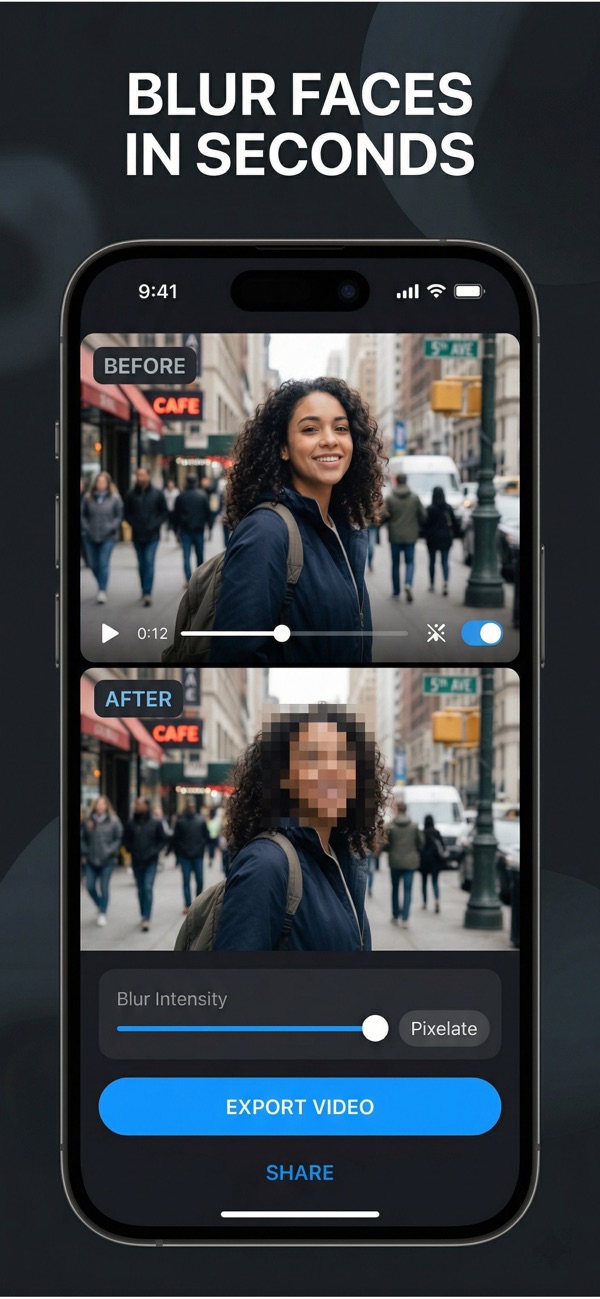
Blur, pixelate, or black out any part of your video — right on your iPhone. No uploads, no waiting.
Download on the App Store
Powerful tools to protect privacy in every video you share.
Blur as many videos as you want with no daily limits or restrictions.
Export clean, professional videos without any watermarks or branding.
Save your blurred videos in full 1080p HD quality, ready to share.
Choose between blur, pixelation, or solid blackout effects for any region.
Three simple steps to protect any video.
Launch Video Blur and your gallery opens automatically — just pick a video.
Draw over faces, plates, or any area you want to hide.
Save to your camera roll or share directly to any app.
Unlock every feature. Cancel anytime.
Download Video Blur and start hiding sensitive content in seconds.
Download on the App Store